
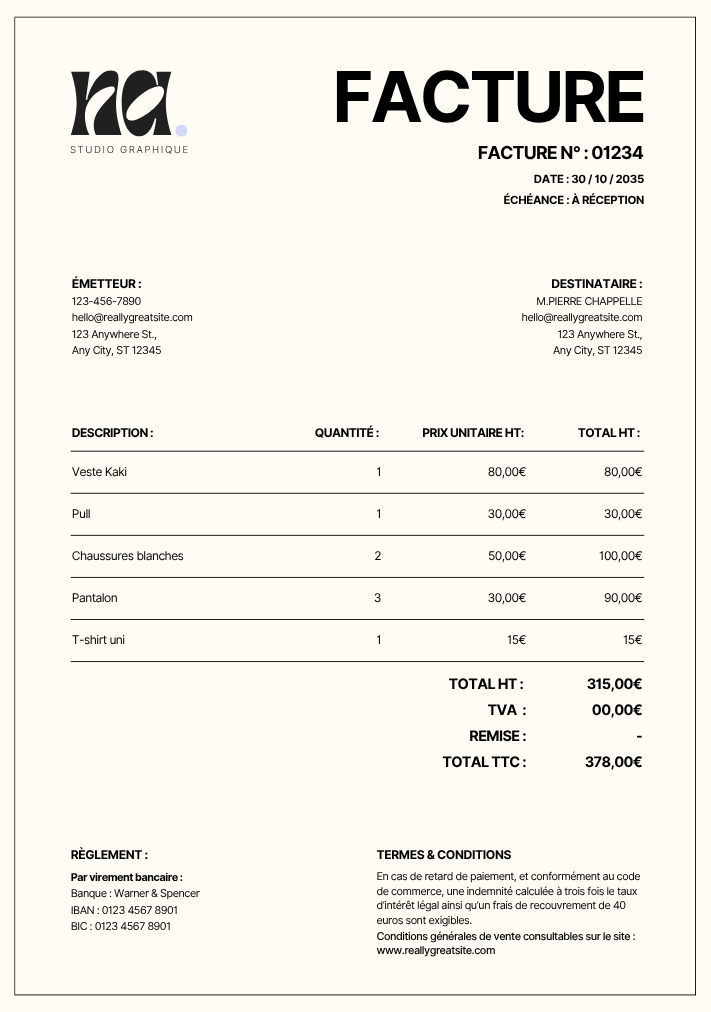
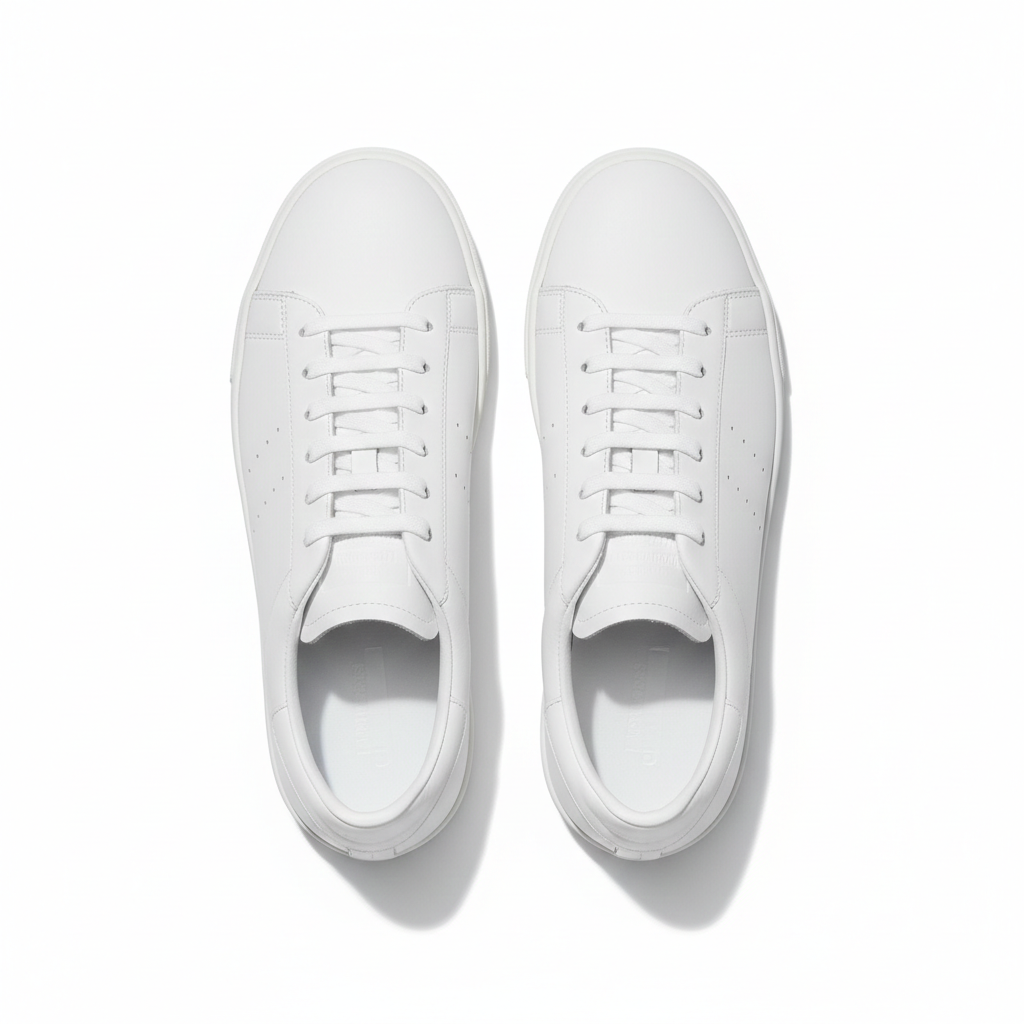
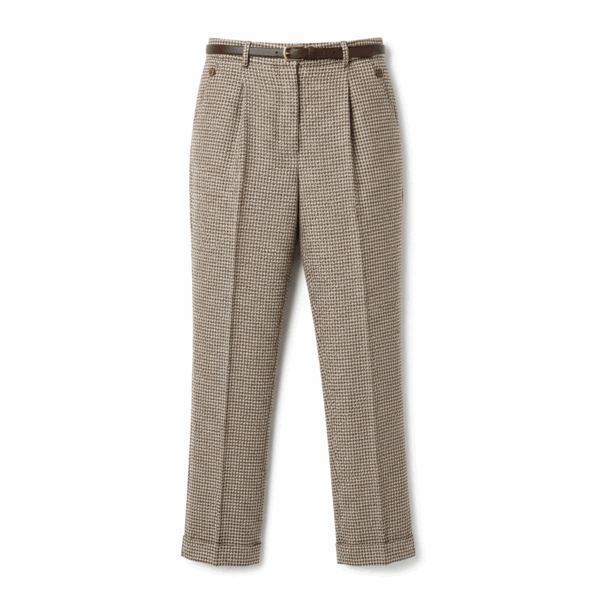
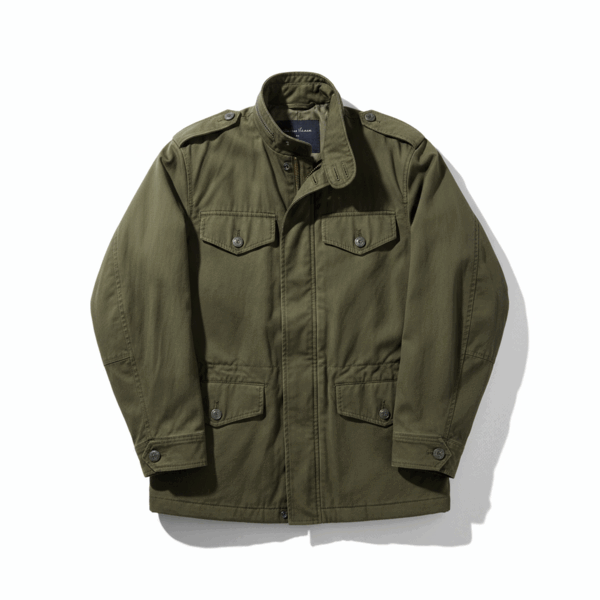
Burgundy satin top
01
Step
Mobile photo, PDF or Excel: Nearby reads your supplier's native format without requiring a template. Invoices, purchase orders, spec sheets and supplier catalogs are accepted to extract product data and generate descriptions.
47 products identified
Supplier data extracted:
02
Step
Nearby reads each line of the supplier document: references, product names, prices, quantities, technical data and packaging information. A report shows exactly which supplier data was extracted before product descriptions are generated.
Missing or unreadable supplier information is flagged. Nearby can complete absent data by looking up the supplier product page online, so every generated description is complete and precise.
03
Step
Four catalog agents work in parallel to turn supplier data into complete product listings while you run your store. Each one has a precise role in finding, checking and writing product details.
Invoice
#IN-2048
Atelier Nord
Store arrival - Paris 14
Supplier: Maison Textile Pro
Burgundy satin top
Burgundy blazer
Supplier lookup
Generated SEO description
Burgundy satin top with a draped neckline, fluid finish and product details ready for a complete e-commerce listing.
04
Step
Every description generated from supplier data is submitted for review before being sent to your catalog. You can edit inline or approve product listings in bulk. Nearby learns from corrections and improves the next descriptions for that supplier.
The interface shows the supplier information used, the generated description, and the attributes created automatically. You can edit a description directly before approving it.
Approve dozens of generated product listings in a few clicks when the descriptions look right.
Edit a generated description directly before approval. Nearby remembers your preferences for the next supplier delivery.
Merino wool jacket - ref.4521
Generated description + 4 supplier attributes
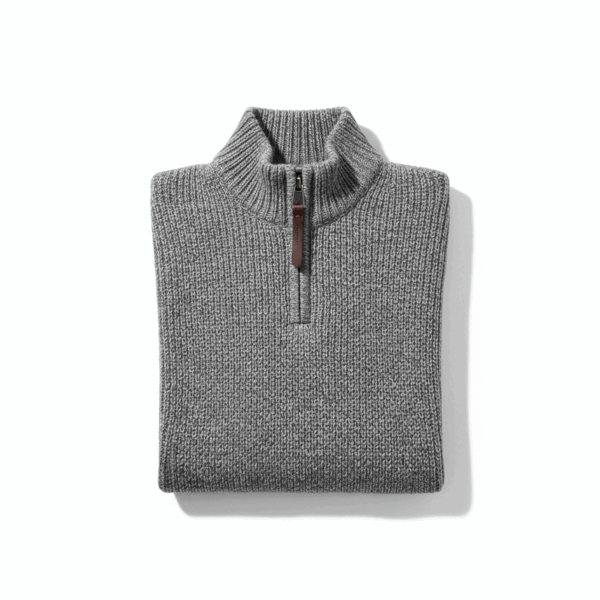
Zip collar sweater - ref.4522
Description + category + cleaned supplier image
Slim chino pants - ref.4523
3 supplier data points completed + generated description
05
Continuous
Nearby remembers your usual suppliers. With every new invoice or purchase order, supplier data is recognized and descriptions are generated faster.
Descriptions stay consistent with your tone and catalog. Known supplier information is prefilled. You approve, then generated listings are exported to your software.
Start now
Connect your Shopify or Square store and upload your first supplier invoice. Your product listings are generated in minutes, with zero setup.
Upload a supplier document in 30 seconds. Data extracted, descriptions generated, product listings ready to export to Shopify, Square or WooCommerce.